However the paperwork reaches you, Streets gets it.
Link Outlook, forward to your own Streets address, or drop a file in. What arrives is read and waits in your Inbox, so nothing slips past.
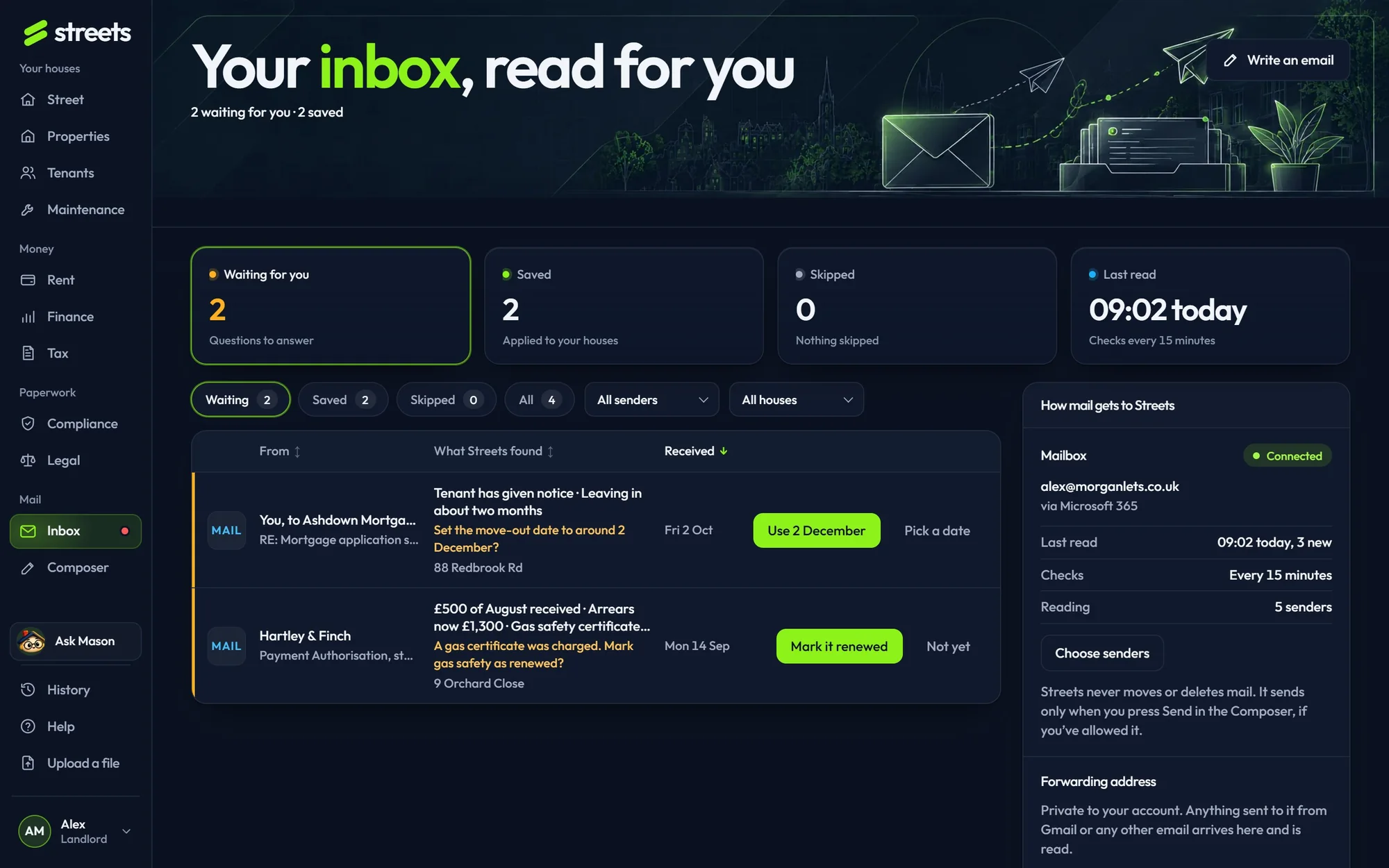
Outlook and forwarding, without the typing.
Microsoft 365 or Outlook, read-only. Only the senders you tick, from the last one to three months, checked every 15 minutes.
A private address for your account. Forward an email, set a Gmail rule, or give it to your agents.
PDFs and photos up to 25 MB each, several at once. Good for loading years of certificates on day one.
Waiting, saved and set aside, with what Streets found in each. Go through them one after another.
The same email moved between folders, or the same document by email and upload, is kept once.
Streets only reads. It sends an email only when you press Send in the Composer, if you’ve allowed it.
What came in, already read
Each email’s attachment and its own words are read as they arrive, so the Inbox says what’s in them before you open anything.
- Review, save or set aside, one at a time
- Repair notes from agents become jobs
About outlook and forwarding.
Does Streets need my email password?
No. Linking Outlook goes through Microsoft’s own sign-in, read-only. You can unlink it at any time.
I use Gmail.
Forward to your Streets address, or set a Gmail rule to forward your agents’ emails automatically. Streets catches Gmail’s forwarding confirmation code for you.
Will it read my personal email?
A linked mailbox reads only the senders you tick. Your forwarding address reads only what’s sent to it.
Let Streets do the reading.
Free while Streets is new. No password to remember: we send you a sign-in code.